
Download Converter4Video – video converter, online video converter, convert video to mp4, convert video to avi, convert video to mov, convert video to flv, convert video to webm, convert video to mkv, audio extractor, extract audio from video, convert video to mobile, upload to youtube, online tool
Overview
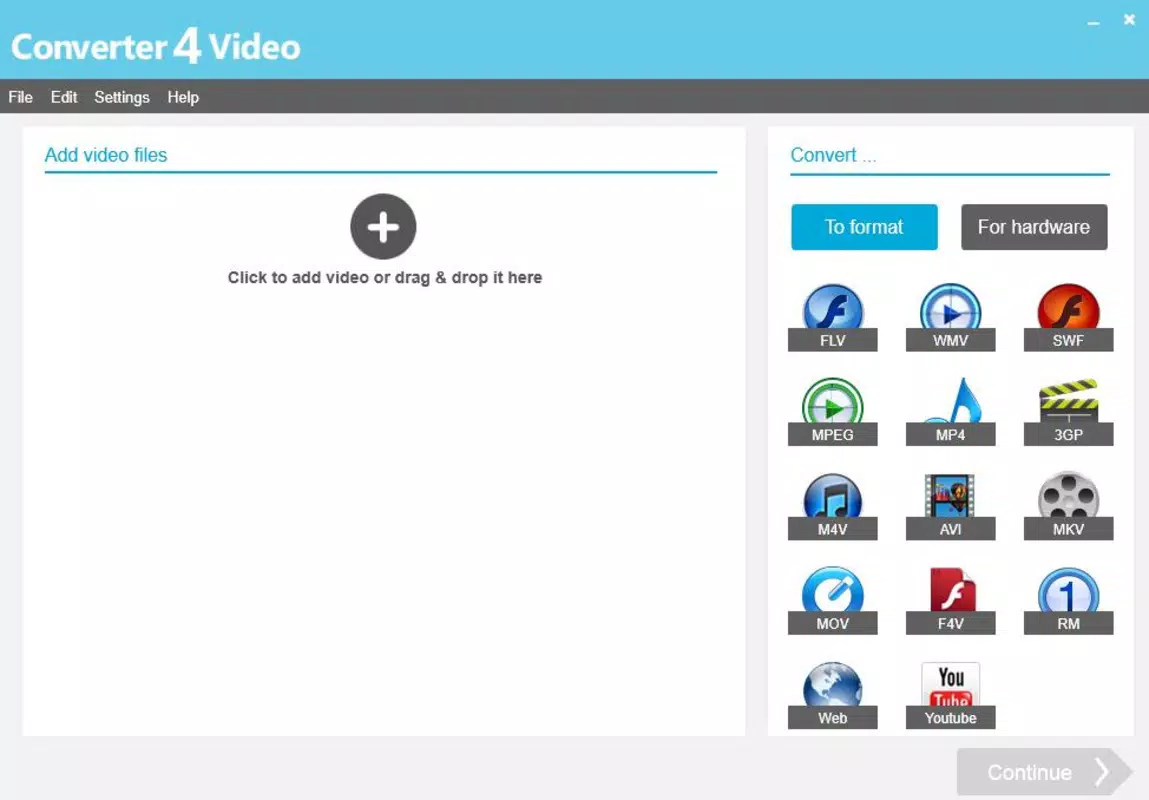
Converter4Video is a web-based utility designed to simplify the process of converting video files into multiple formats, enabling seamless playback across diverse devices and platforms. The tool is particularly useful for users who need to adapt video content for compatibility with smartphones, tablets, media players, or online platforms such as YouTube. By supporting a wide range of output formats—including MP4, AVI, MOV, FLV, WebM, and MKV—Converter4Video ensures that multimedia files can be used across different ecosystems without technical barriers.
Target users include content creators, educators, students, and casual viewers who frequently transfer or repurpose video files. The app addresses the common challenge of format incompatibility, especially when sharing videos across devices or uploading to platforms with specific requirements. Its ability to extract audio from videos into MP3 format adds another layer of utility, allowing users to repurpose soundtracks or podcast content. The direct upload feature to YouTube further streamlines content distribution, reducing the need to switch between multiple applications.
As a free online tool, Converter4Video operates without installation, making it accessible from any device with a web browser. The developer, Converter4Video, has not provided additional background information, but the tool’s longevity since its release on July 7, 2015, suggests consistent functionality and user demand. In the broader app ecosystem, it serves as a lightweight yet powerful solution for video processing needs, particularly for users who prioritize convenience and security in file conversion.
Key Features & Functionality
- Multi-format Conversion – Users can convert videos into nearly any widely used format, including MP4, AVI, MOV, FLV, WebM, and MKV. This flexibility ensures compatibility with devices ranging from older media players to modern smartphones and streaming platforms.
- Mobile Device Optimization – The tool automatically adjusts video settings to suit mobile playback, reducing file size while preserving quality. This makes it ideal for users who want to watch videos on the go without consuming excessive storage or bandwidth.
- Secure Conversion Process – Converter4Video maintains the integrity of original files throughout the conversion. No data loss or corruption is reported, and files are processed securely without being stored on remote servers, ensuring user privacy.
- Audio Extraction – The app allows users to extract audio from video files and save them as MP3 files. This feature is especially beneficial for creating music playlists, extracting voiceovers, or repurposing podcast content.
- Direct YouTube Upload – After conversion, users can upload their videos directly to YouTube without leaving the platform. This eliminates the need to download files and manually navigate YouTube’s upload interface, saving time and improving workflow efficiency.
For example, a student preparing a presentation can convert a high-resolution video to a smaller MP4 format optimized for classroom playback. A content creator can extract audio from a video to use as a podcast episode, then upload the video directly to YouTube for wider reach. These real-world applications demonstrate how Converter4Video enhances productivity and content accessibility.
Interface, UX & Performance
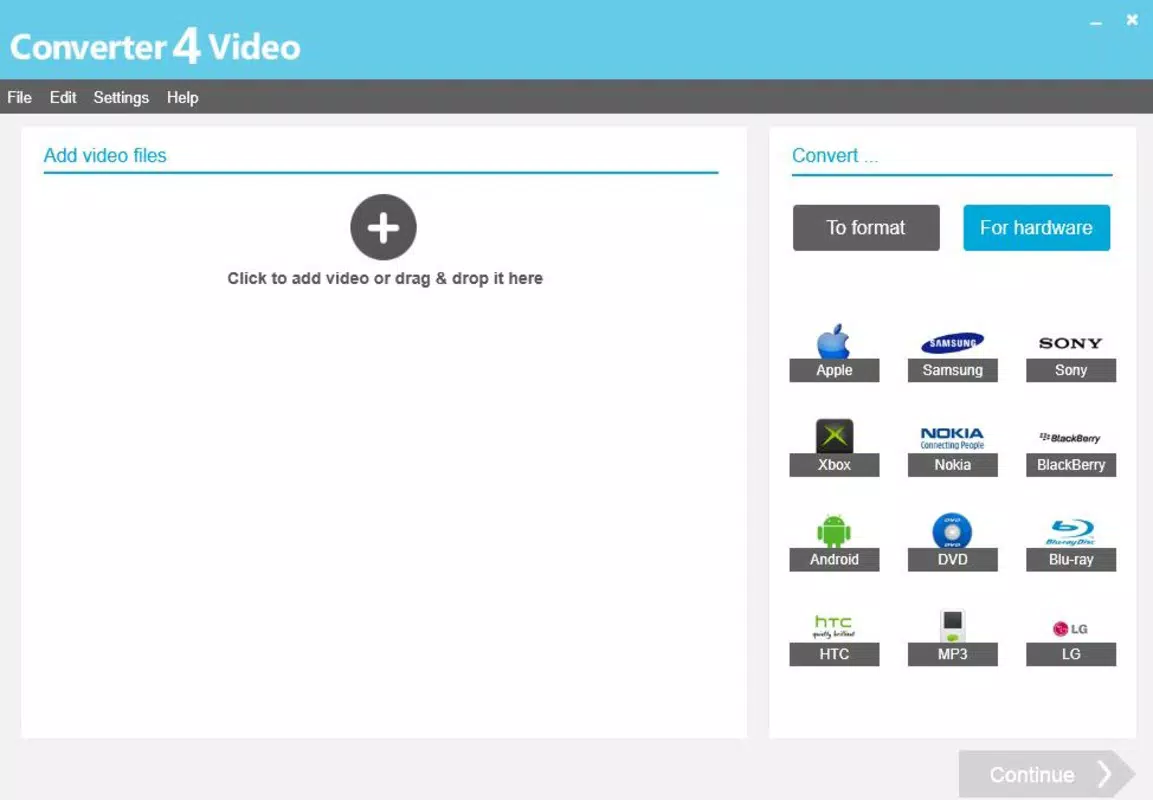
Converter4Video features a clean, minimalist web interface designed for ease of use. The main screen displays a simple drag-and-drop zone for uploading video files, with clear labels and intuitive controls. Navigation is straightforward, requiring minimal user input to complete conversion tasks. The layout prioritizes functionality over visual complexity, ensuring that users of all technical levels can operate the tool efficiently.
Although the developer did not list formal performance metrics, the tool’s long-standing availability since 2015 suggests consistent responsiveness and stability. Users can expect quick processing times for standard-sized files, with minimal loading delays. The interface remains responsive across various screen sizes, adapting well to desktop, tablet, and mobile browsers.
Performance on different device categories is not formally documented, but the web-based nature of the tool implies broad compatibility. Since the app runs entirely in the browser, it does not rely on device-specific hardware acceleration, which may affect processing speed on older or low-end devices. However, the lack of installation requirements means users avoid compatibility conflicts with operating systems or outdated software.
Platform Compatibility & Technical Requirements
Converter4Video is accessible via any modern web browser, meaning it operates on both Android and iOS devices, as well as desktop systems. The platform is listed as web, indicating that no native app installation is required. This approach ensures broad accessibility across different operating systems and device types.
The version is listed as 1.0, with a file size of 0 KB, consistent with web-based tools that do not require downloading or installation. No specific OS version requirements were provided, and the developer did not disclose minimum system specifications. As such, compatibility information was not fully disclosed, though the tool’s reliance on standard web technologies suggests it functions on current versions of Chrome, Safari, Firefox, and Edge.
Pros and Cons
- Free to use with no hidden fees or subscriptions
- Supports a wide range of video and audio formats
- Secure conversion process with no file storage on servers
- Direct upload to YouTube simplifies content sharing
- Optimized for mobile playback without additional tools
- No native mobile app available for offline use
- Dependent on internet connection for all operations
- Performance may vary on low-end devices or slow networks
- No batch processing option mentioned
- Specific technical requirements were not listed
FAQ
Is Converter4Video safe to use?
Yes, the tool does not store uploaded files on its servers. All processing occurs in the browser, and original files remain under user control, ensuring data privacy and security.
Can I convert videos to mobile-friendly formats?
Yes, Converter4Video optimizes video files for playback on smartphones and tablets, adjusting resolution and file size for efficient on-the-go viewing.
Does it support batch conversion?
The developer did not specify whether batch processing is available. The tool appears to handle one file at a time.
Is there a mobile app version?
Converter4Video is a web-based tool and does not have a dedicated mobile app. It can be accessed through any mobile browser.
Can I extract audio from any video?
Yes, the tool includes an audio extraction feature that allows users to convert video soundtracks into MP3 format, regardless of the source file type.
Final Thoughts
Converter4Video stands out as a reliable, free online solution for video conversion and audio extraction. Its ability to handle multiple formats, optimize files for mobile devices, and enable direct YouTube uploads makes it a valuable tool for content creators, educators, and everyday users. While it lacks a native app and offline functionality, its web-based design ensures accessibility from any device with internet access.
For those seeking a secure, no-installation method to convert videos, extract audio, or share content quickly, Converter4Video delivers strong value. Its long-standing presence since 2015 reflects consistent performance and user trust. Whether you're preparing a video for a presentation or sharing a clip on YouTube, this tool simplifies the process without compromise.
Download Converter4Video now


